 FileMakerCoder
The short version.
Your FileMaker file is where the data lives. Your staff keeps using FileMaker exactly as they do today. The web app is an addition — its own web address and its own screens — that reads and writes the same FileMaker data through FileMaker's built-in Data API. The people who need it get screens built for them, without pulling your team out of the tool they already know.
This pattern is boring in the good way. It has been dependable for real work since Claris added the Data API, and today's tools make it faster to build than it has ever been.
A concrete example: the fleet manager.
A rental company runs forty vehicles across a metro area. Drivers pick up vehicles at the depot in the morning and return them at night. Every trip requires logging mileage, fuel level, and any damage — historically on paper, then re-typed into FileMaker by an office admin at end of day. Two things were breaking: paper forms got lost, and the delay between damage happening and it being recorded meant billing customers for it was messy.
What we built. A small mobile web app the drivers open on their phones. Login by phone number and a short code. One tap opens the truck they are assigned to. They log mileage, snap a photo of any damage, tap a fuel-level slider, submit. The form goes to a small program on the shop's Mac. It signs in to FileMaker, writes the trip into the existing Trips table, and stores the damage photo with it. The office admin sees the trip in FileMaker within seconds — same layouts, same reports, same everything they already know.
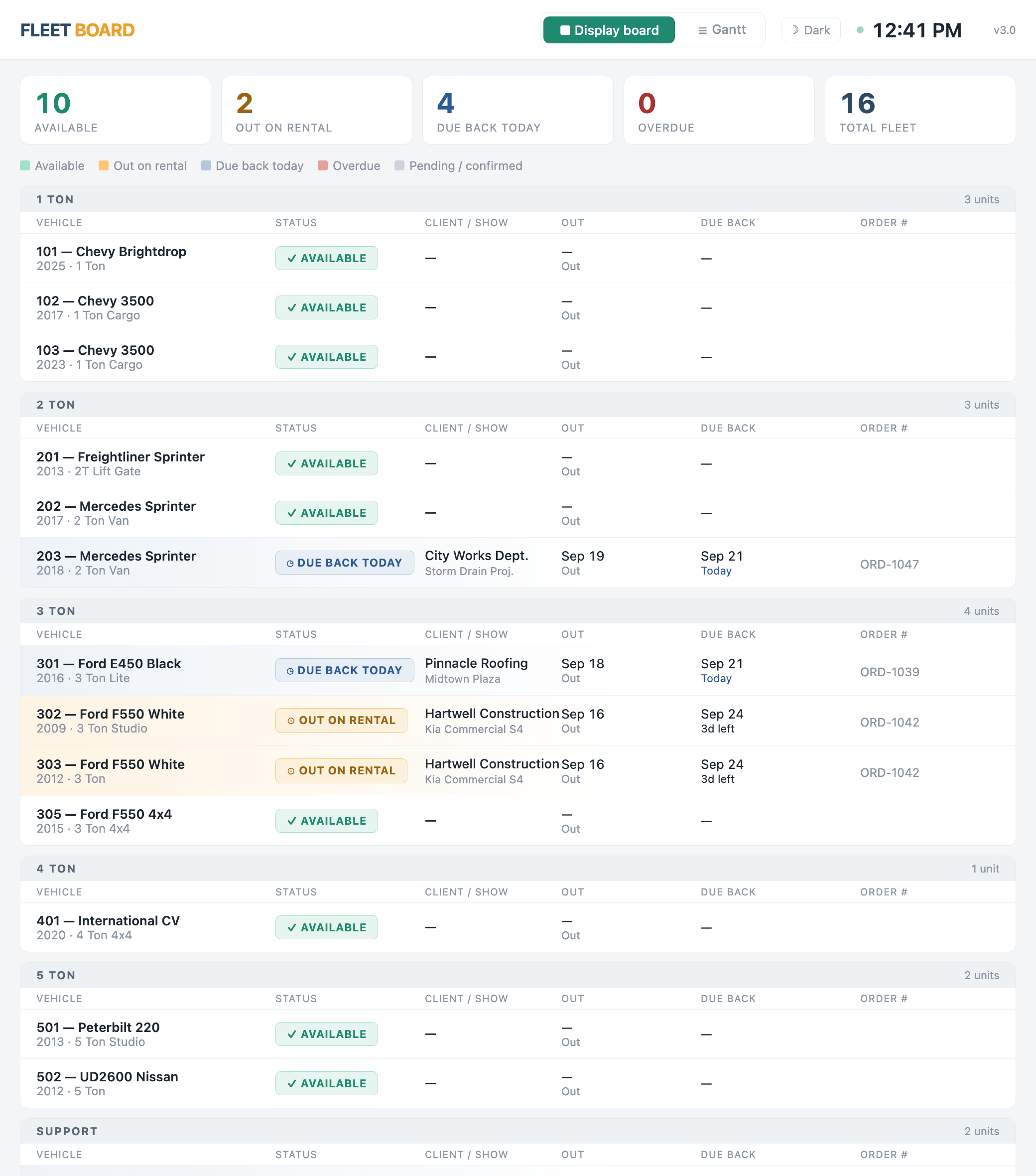
Nothing changes for the staff who work in FileMaker. Everything changes for the drivers who used to fight with paper.
The web app is about 300 lines of code and one page built for phones. The FileMaker side needed one new script and no layout changes. Total build time: under three weeks, including the drivers' practice screen and the damage-photo review screen for the office admin.
What connects the two.
The default path is the FileMaker Data API — FileMaker Server's built-in door for other software. It handles logins, adding, reading, changing and deleting records, running scripts, and uploading files. For a small business's load (dozens of saves a minute, a few hundred people signed in, ordinary lookups) this is exactly the tool. The API has been stable through several FileMaker Server versions and Claris has continued improving it.
For heavier use there are two other routes. OData, a newer door Claris added, suits reporting tools like Power BI. And when the load really outgrows the Data API — screens refreshing every few seconds, connections that need an answer in under a second — the answer is a fast copy of the data: a small program copies changes from FileMaker on a schedule into a regular database (Postgres or SQLite), and the web app reads from that copy instead of FileMaker Server. Changes still go back to FileMaker, so it keeps the real records.
Most projects do not need the fast copy. It is worth mentioning because a competent proposal should tell you it exists and when it makes sense — not because it will be on the estimate.
What this pattern is genuinely good at.
- Customer portals. Give your customers a login that shows their orders, invoices, or open service tickets — pulling live from FileMaker without them ever seeing FileMaker.
- Mobile field access. Drivers, inspectors, technicians, delivery crews. FileMaker Go works for some of these; a lightweight web app works for the rest, especially when the phone belongs to the person and installing FileMaker Go is a hassle.
- Payment forms. Stripe or similar. Stripe's payment page handles the card-security rules (PCI); FileMaker never sees a card number; the payment result writes back to your existing invoice records.
- Public-facing forms. Loss-and-damage reports, event registrations, contact requests. The submission lands in FileMaker as a normal record.
- Dashboards for non-FileMaker users. Owners, executives, contract partners who need a look at the data but do not need or want a FileMaker license or a FileMaker layout.
What this pattern is not.
It is not a migration. The rules your business runs on still live in FileMaker. Your staff workflow does not change. The web app is an extension of the system, not a replacement for it. If the business ever does decide to migrate, this same web app becomes the starting point of the new screens — but that decision stays yours, on your timeline.
A working sample first.
Not every FileMaker system is shaped the same way. Some have twenty years of scripts and layouts that web screens need to understand. Some have so much data, or so many people working at once, that they need the fast copy sooner than you would expect. Some have licensing that constrains the options.
When the project has any of these uncertainties, I build a working prototype against your actual FileMaker data before you commit to the full project. Small scope, about a week, ending in a working demo you can test with. If it works, we scope the full build from there. If it does not, you have concrete information about why — and you have not spent the full-project budget to learn it.
If a proposal sounds too clean for a 15-year-old FileMaker system, that is worth being suspicious about.
What to do next.
The free triage call is the right way to start. You describe what you want the web app to do, how many users, what data it touches. I tell you which of the three connection patterns fits and whether to build a working sample first. Thirty minutes gets you a direction, and the System Assessment turns it into a quote.